Asv.Avalonia.Docs Help

Recipe Search

We will use the framework's SearchBoxViewModel control to filter the list of recipes by name. The SearchBox control is fully integrated into the Asv.Avalonia framework and provides the following features:

  • Progress indication during search operations

  • Cancellation support for long-running queries

  • Built-in Undo/Redo for search input

  • Automatic debouncing to optimize performance while typing

Add a view field to RecipePageViewModel to manage the filtered list.

private readonly ISynchronizedView<RecipeViewModel, RecipeViewModel> _view; public SearchBoxViewModel Search { get; }

Update RecipePageViewModel constructor. The recipes will now be processed through a synchronized View and its attached filter, rather than exposing the raw list directly.

... Search = new SearchBoxViewModel( nameof(Search), loggerFactory, UpdateRecipeList, TimeSpan.FromMilliseconds(500) ) .SetRoutableParent(this) .DisposeItWith(Disposable); _view = _recipes.CreateView(x => x).DisposeItWith(Disposable); Recipes = _view.ToNotifyCollectionChanged().DisposeItWith(Disposable); ...

Update GetChildren to include the search component in the routing tree, as SearchBoxViewModel implements IRoutable.

public override IEnumerable<IRoutable> GetChildren() { yield return Search; foreach (var recipe in _recipes) { yield return recipe; } }

Implement UpdateRecipeList handler to apply the search filter.
private Task UpdateRecipeList(string? text, IProgress<double> progress, CancellationToken cancel) { progress.Report(0); if (string.IsNullOrWhiteSpace(text)) { _view.ResetFilter(); return Task.CompletedTask; } _view.AttachFilter(x => x.Title.ViewValue.Value != null && x.Title.ViewValue.Value.Contains(text)); progress.Report(1); return Task.CompletedTask; }

Add the search control to the RecipePageView XAML.

... <!-- Left panel (Sidebar) --> <Grid Grid.Column="0" RowDefinitions="Auto, *, Auto" Background="#252526"> <avalonia:SearchBoxView DockPanel.Dock="Right" Margin="5" DataContext="{Binding Search}" /> ... </Grid> ...

Additionally, hide the right-hand editor panel until a recipe is selected.

... <!-- Right panel (Editor) --> <Border Grid.Column="2" Background="#1E1E1E" Padding="30"> <Grid> <Grid RowDefinitions="Auto, *" IsVisible="{Binding SelectedRecipe.Value, Converter={x:Static ObjectConverters.IsNotNull}}"> ... </Grid>> </Grid> </Border> ...

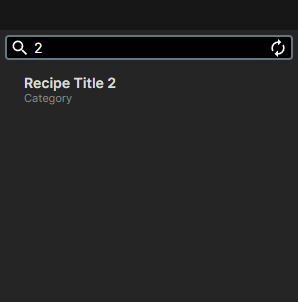
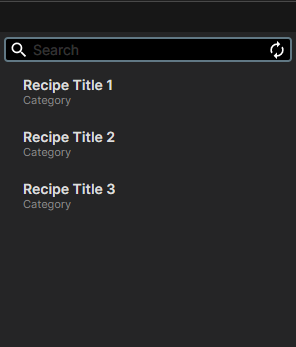
Recipe Filtering

filtration-1
filtration-2

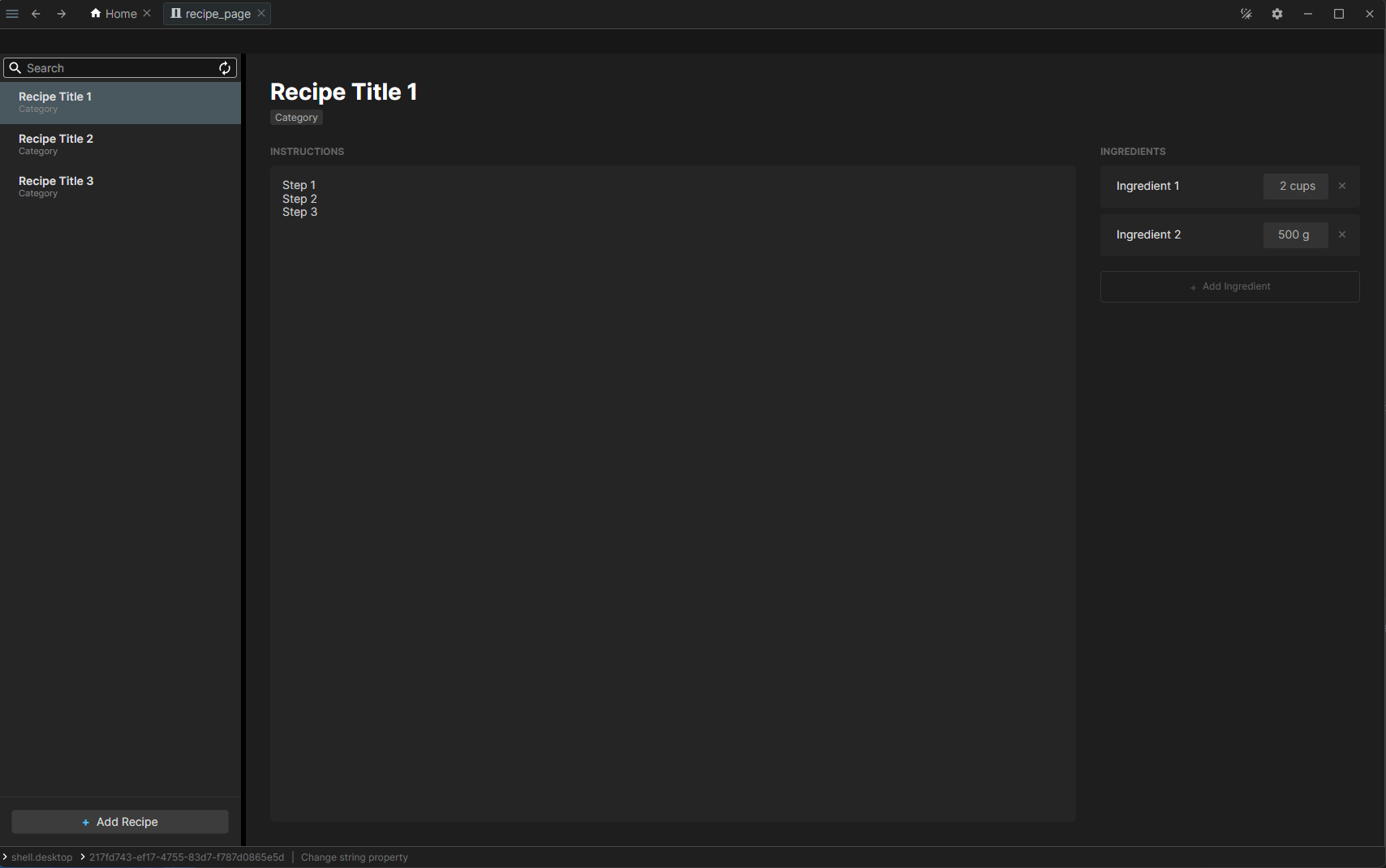
UI Overview

final

You can find the complete source code for the module here

Last modified: 11 February 2026