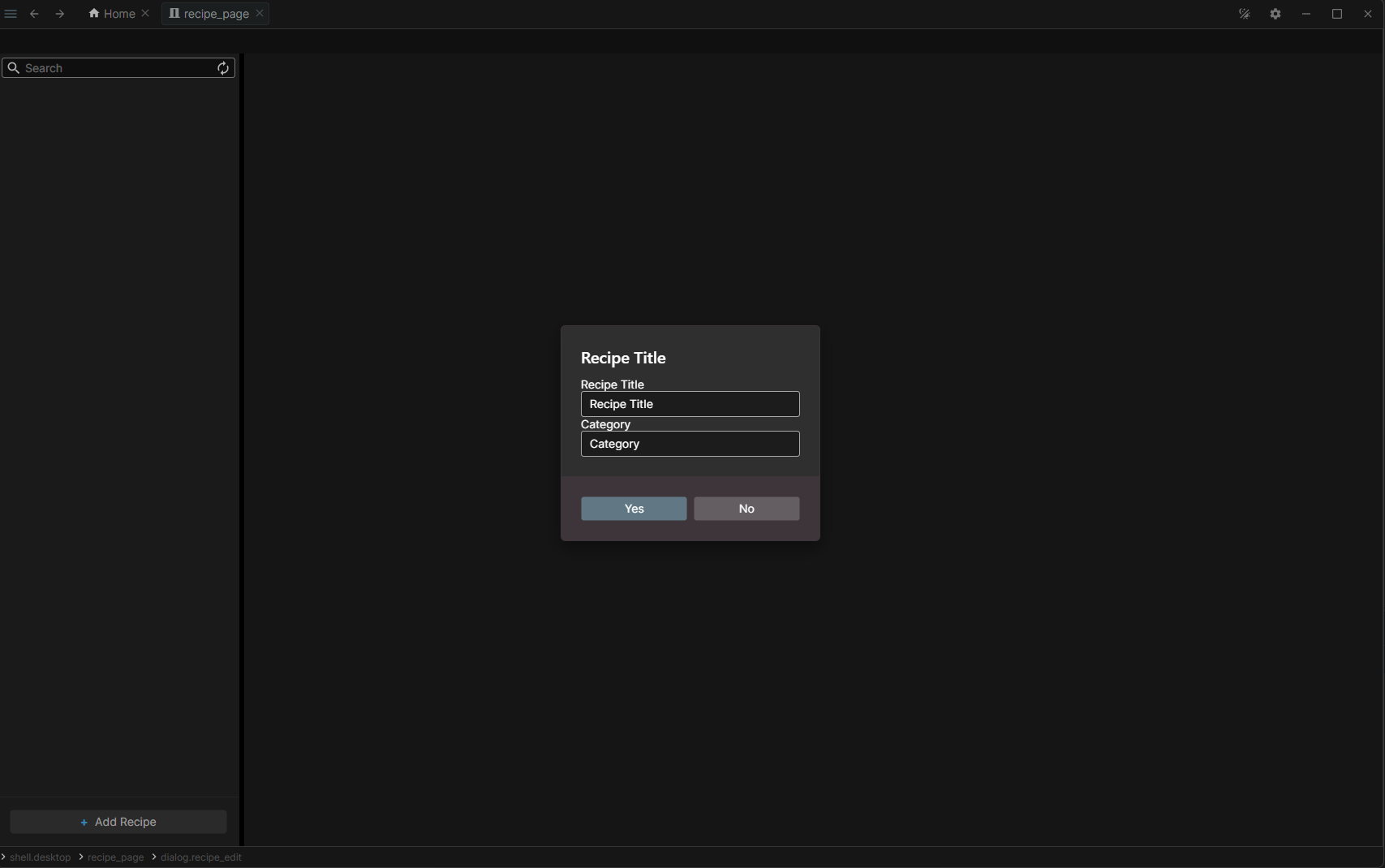
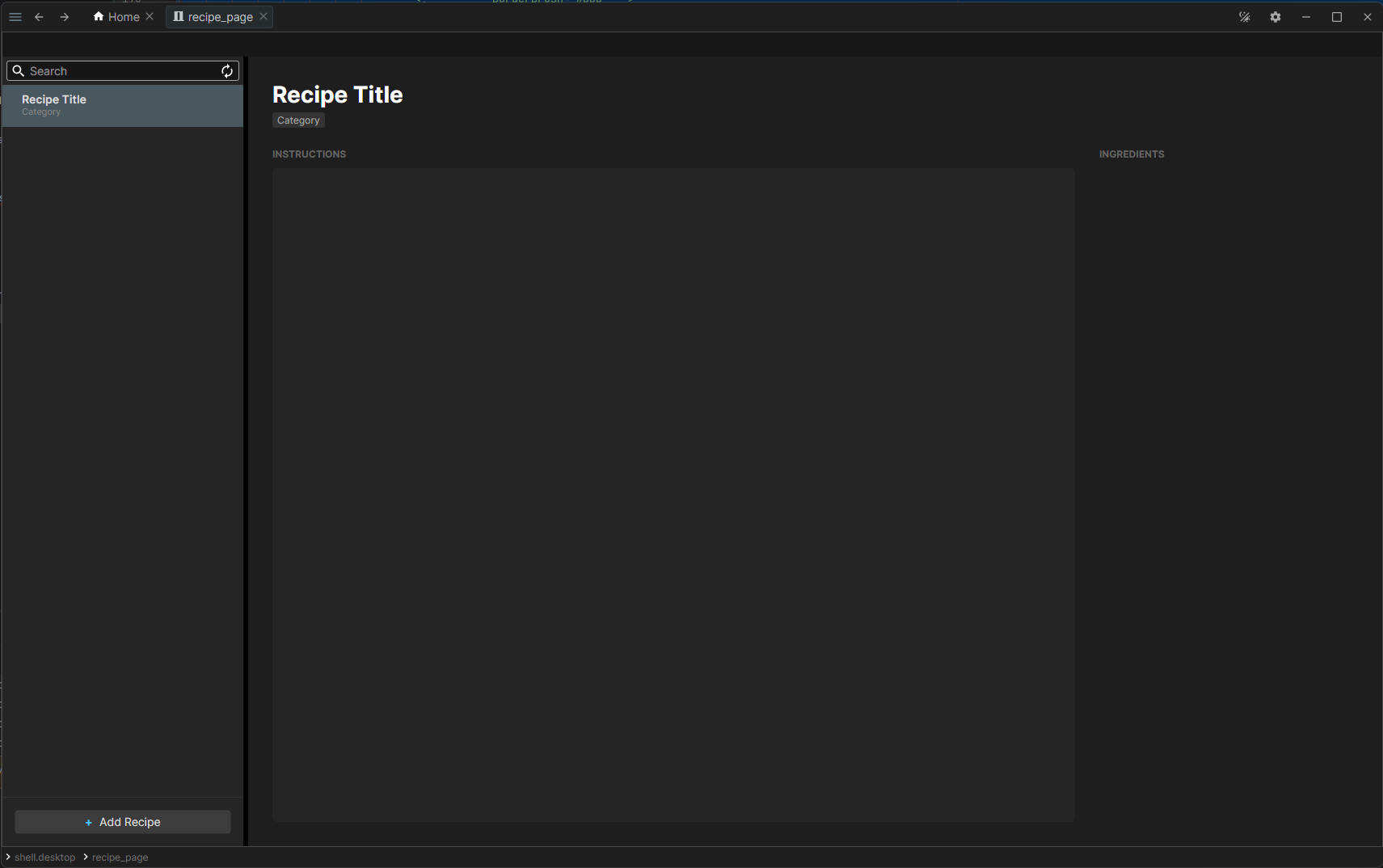
We will use the DialogPrefab mechanism from Asv.Avalonia to create modal windows that can be invoked directly from the ViewModel.
Place the dialog files in the Shell/Pages/Recipes/Dialogs directory of your project.
// RecipeEditDialogViewModel.cs
using Asv.Avalonia;
using Asv.Common;
using R3;
namespace AsvAvaloniaTest;
public class RecipeEditDialogViewModel : DialogViewModelBase
{
public const string DialogId = $"{BaseId}.recipe_edit";
public RecipeEditDialogViewModel()
: base(DialogId)
{
Title = new BindableReactiveProperty<string?>().DisposeItWith(Disposable);
Category = new BindableReactiveProperty<string?>().DisposeItWith(Disposable);
}
public BindableReactiveProperty<string?> Title { get; }
public BindableReactiveProperty<string?> Category { get; }
}
Define RecipeEditDialogPrefab to handle data exchange with the dialog, enabling both payload injection and result retrieval.
// RecipeEditDialogPrefab.cs
using System.Threading.Tasks;
using Asv.Avalonia;
namespace AsvAvaloniaTest;
public sealed class RecipeEditDialogPayload
{
public required string Title { get; init; }
public required string Category { get; init; }
}
public sealed class RecipeEditDialogPrefab
: IDialogPrefab<RecipeEditDialogPayload, RecipeEditDialogPayload?>
{
public async Task<RecipeEditDialogPayload?> ShowDialogAsync(RecipeEditDialogPayload dialogPayload)
{
using var vm = new RecipeEditDialogViewModel();
vm.Title.Value = dialogPayload.Title;
vm.Category.Value = dialogPayload.Category;
var dialogContent = new ContentDialog(vm)
{
Title = dialogPayload.Title,
PrimaryButtonText = RS.DialogButton_Yes,
SecondaryButtonText = RS.DialogButton_No,
DefaultButton = ContentDialogButton.Primary,
};
var result = await dialogContent.ShowAsync();
if (result != ContentDialogResult.Primary)
{
return null;
}
return new RecipeEditDialogPayload
{
Title = vm.Title.Value,
Category = vm.Category.Value
};
}
}
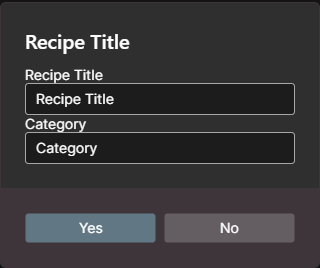
Design the RecipeEditDialogView layout to allow users to input the recipe title and category during creation.
// RecipeEditDialogView.axaml.cs
using Avalonia.Controls;
namespace AsvAvaloniaTest;
public partial class RecipeEditDialogView : UserControl
{
public RecipeEditDialogView()
{
InitializeComponent();
}
}
Keep the dialog wiring with the Recipe Page feature. Add these registrations to RecipePageRegistrations.RegisterRecipePage after the page and Home Page extension registrations:
Let's implement the notification system, starting with a confirmation message when an ingredient is added. But first, we need to ensure we can create ingredients.
Add the ingredient creation command to RecipeViewModel:
public ReactiveCommand CreateIngredientCommand { get; }
Add an initialization in the RecipeViewModel constructor:
CreateIngredientCommand = new ReactiveCommand(AddIngredientAsync).DisposeItWith(Disposable);
Handle ingredient addition and send a toast notification:
public async ValueTask AddIngredientAsync(Unit unit, CancellationToken cancellationToken)
{
var ingredient = new IngredientViewModel(
Guid.NewGuid().ToString(),
"Ingredient",
string.Empty,
_loggerFactory
);
_ingredients.Add(ingredient);
var msg = new ShellMessage(
"Added ingredient",
"Ingredient was created",
ShellErrorState.Normal,
"This is description",
MaterialIconKind.Info
);
await this.RiseShellInfoMessage(msg, cancellationToken);
}
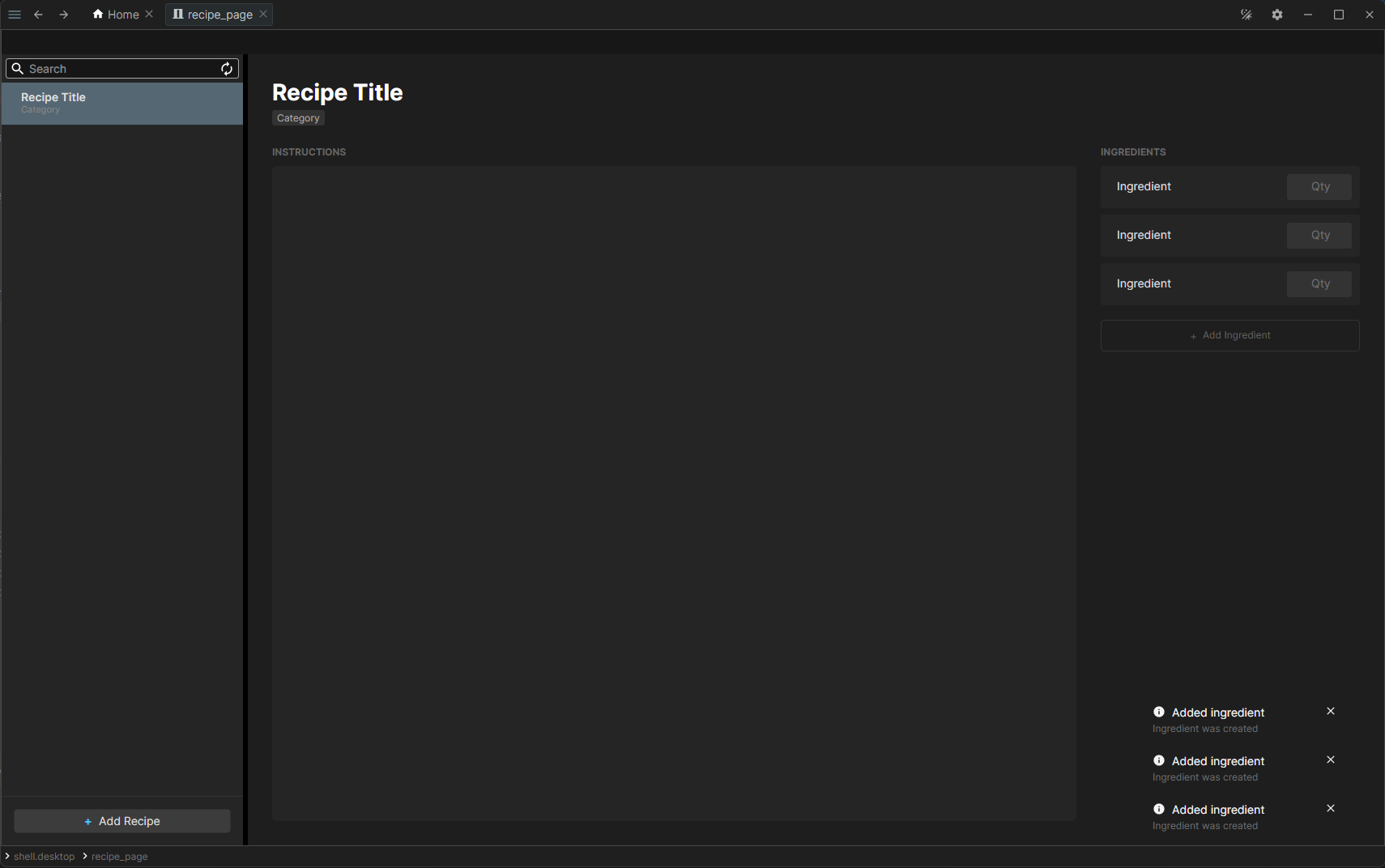
Under the hood, RiseShellInfoMessage rises a routed event that bubbles up the view model tree to the shell, which displays the message as a toast notification.
The ingredient creation notification appears in the lower-right corner:
Events
Removing Ingredients
We need to notify the parent viewmodel that an ingredient has been removed. To achieve this, create RemoveIngredientEvent.cs in the Shell/Pages/Recipes/Events directory.
// RemoveIngredientEvent.cs
using System.Threading;
using System.Threading.Tasks;
using Asv.Avalonia;
using Asv.Modeling;
namespace AsvAvaloniaTest;
public sealed class RemoveIngredientEvent(IViewModel source)
: AsyncRoutedEvent<IViewModel>(source, RoutingStrategy.Bubble);
public static class RemoveIngredientEventMixin
{
public static ValueTask RequestRemoveIngredient(
this IViewModel src,
CancellationToken cancel = default
)
{
return src.Rise(new RemoveIngredientEvent(src), cancel);
}
}
The event uses the Bubble routing strategy: it travels from the source up the view model tree, so any ancestor can intercept it.
Add the DeleteIngredientCommand to the IngredientViewModel.
public ReactiveCommand DeleteIngredientCommand { get; }
Initialize the command in the constructor:
...
public IngredientViewModel(string id, string name, string amount, ILoggerFactory loggerFactory)
: base(BaseId, new NavArgs(new KeyValuePair<string, string?>("id", id)))
{
...
Amount = new HistoricalStringProperty(
nameof(Amount),
_amount,
loggerFactory
).SetRoutableParent(this)
.DisposeItWith(Disposable);
// new command
DeleteIngredientCommand = new ReactiveCommand(RemoveIngredientAsync).DisposeItWith(Disposable);
}
...
Raise the event using the extension method defined in RemoveIngredientEvent.
Intercept the bubbling events by implementing InternalCatchEvent in the RecipeViewModel.
private ValueTask InternalCatchEvent(IViewModel src, AsyncRoutedEvent<IViewModel> e, CancellationToken cancel)
{
if (e is not RemoveIngredientEvent)
{
return default;
}
var vm = _ingredients.First(i => i.Id == e.Sender.Id);
_ingredients.Remove(vm);
return default;
}
The Sender property of the event gives us the ingredient that requested its own removal, and we find it in the list by its unique NavId.
Subscribe to events in the RecipeViewModel constructor.
...
public RecipeViewModel(string id, string title, string? category, string? instruction,
IEnumerable<IngredientViewModel> ingredients, ILoggerFactory loggerFactory)
: base(BaseId, new NavArgs(new KeyValuePair<string, string?>("id", id)))
{
...
CreateIngredientCommand = new ReactiveCommand(AddIngredientAsync).DisposeItWith(Disposable);
// here we subscribe to events
Events.Catch(InternalCatchEvent).DisposeItWith(Disposable);
}
...